
deepseek harness
DeepSeek Harness 0.1.7 RC: Features and Migration Notes
DeepSeek-V4 Team · September 23, 2026 · 6 min read
Keywords: deepseek harness, deepseek agent, agent plugins
Published: September 23, 2026 Author: DeepSeek-V4 Team
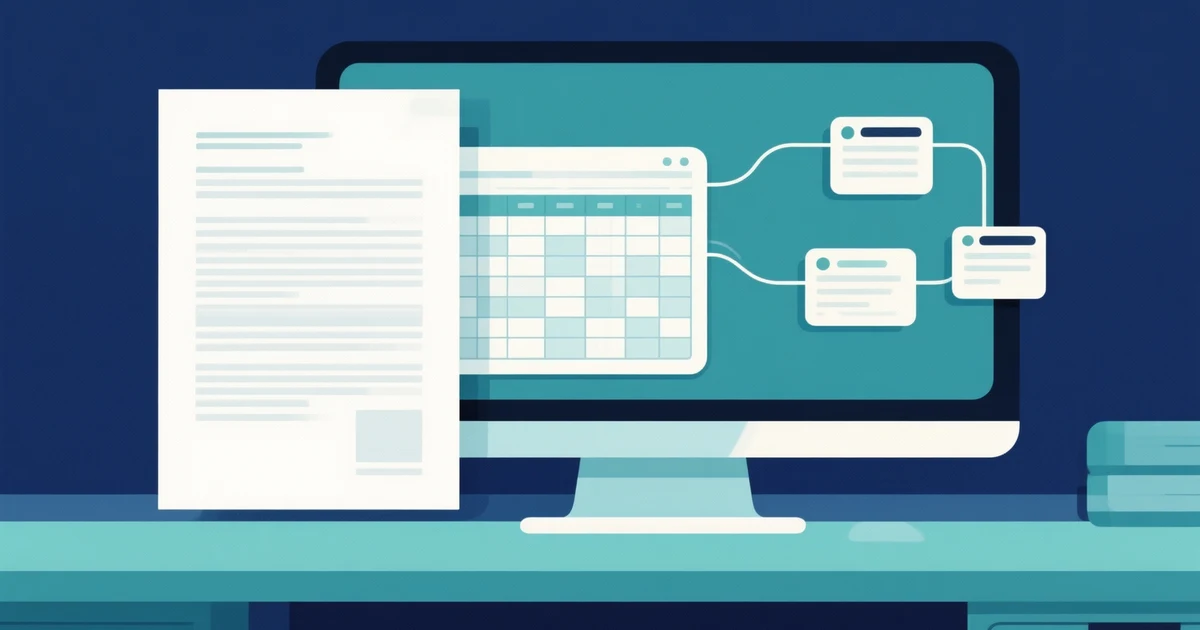
DeepSeek Harness published 0.1.7-rc.1 on September 23, 2026. The release is a candidate build, and the project remains a developer preview. Its most useful changes concern the work around an agent's answer: reviewing files, following teammates, managing plugins, and resuming a session without losing track of what happened.
The official release notes collect changes since 0.1.5-rc.3. They also list migrations for existing configurations. Read both parts before upgrading; a new preview panel is easy to notice, while an outdated provider setting may only become visible when a task fails.
This overview is for people evaluating a local agent workspace or maintaining an earlier Harness installation. It is based on the published notes, not a hands-on performance review. The trial tasks below are ways to evaluate the release on your own machine.
The output is easier to inspect beside the conversation
The candidate brings together document, spreadsheet, and file-change previews with terminals, web pages, and related agent conversations in the sidebar. Office tasks use a bundled LibreOffice runtime by default. The practical value is the opportunity to inspect an artifact while the instructions that produced it are still visible.
Consider a weekly operations report. The agent may produce a convincing paragraph saying that a spreadsheet is ready, but that paragraph cannot establish that its formulas refer to the right rows. A preview helps you check the output itself. Open the sheet, inspect a total, and compare it with the input records. For a document, check heading order and whether a table continues onto another page cleanly.
Preview support should not be confused with complete editing fidelity. A sensible trial includes the file types you actually exchange, especially files containing formulas or unusual formatting. If the task ends with a downloadable document, open that document in the application your recipient will use. Treat the conversation and the file as two things to verify.
Agent Team makes coordination more visible
The release adds a panel for live team members and tasks, with navigation between members. That can make it easier to see who is working on a question and where a result came from. It does not tell you whether adding another agent improves the result.
A useful team trial is a small review with separate responsibilities: one member checks factual support, another checks broken links, and a lead prepares the final edit. Give each member a bounded assignment. If everyone is asked to “improve the article,” duplicate work is likely, and conflicting edits become harder to attribute.
Compare the team result with the same task handled by one agent. Record the number of corrections you had to make and how much time you spent reconciling outputs. Parallel activity is easy to display; useful division of work requires a task where the parts can be checked independently.
Experimental controls need their own trial
The notes introduce experimental browser and computer interaction, automatic review, and local speech transcription. These are separate capabilities with different failure modes. Evaluate them individually before combining them in a long workflow.
For browser interaction, start with a read-only task on a page whose contents you know. Ask for a specific fact and verify that the answer came from the page. For speech input, dictate a short instruction containing a filename and a number, then inspect the transcription before letting it drive a file change. Small recognition mistakes can turn a correct plan into the wrong operation.
The project README still labels the software a developer preview and links its safety notice. The release's experimental label is useful information when setting expectations: a successful demonstration does not establish reliability across unfamiliar applications or unattended tasks.
Existing installations have migration work
The official DeepSeek adapter now uses the Messages API exclusively, while older protocol configuration needs migration. Session logs move to V4, agent presets move to plugin bundles, and settings are stored in the current Profile's plugin configuration. The release also checks plugin compatibility during installation and startup.
Before upgrading, identify which of those changes affect your installation. Someone using only built-in components has a different job from someone maintaining a custom plugin. Save a copy of the current configuration and session data, record the installed versions, and avoid changing the only working copy of a valuable workspace.
For a custom plugin, read the relevant migration notes before trying to silence an error. An incompatibility refusal is evidence that the host and package disagree about their supported versions. Allowing an exception may bypass the check, but it does not adapt the plugin's code. Investigate the mismatch or use a compatible package first.
Plan rollback around data as well as packages. Reinstalling an older executable may not reverse a session-log migration. Keep the pre-upgrade copy separate until you have confirmed that the sessions and plugins you need still work.
A short acceptance session is more useful than a big demo
Use a disposable workspace with a small text file, a spreadsheet whose totals you know, and a document with a table. First confirm that Harness can display the files. Then ask it to make one precise edit and compare the resulting file with the original. This separates preview failures from task failures.
Next, reopen the session and check that the conversation and output remain understandable. If you depend on background work, run a harmless command long enough to appear in the jobs interface and verify its completion status. If you use a custom provider, make a small request through that provider before testing a team task.
Write down the exact candidate version, enabled plugins, provider, and any manual configuration changes. That record is more useful for a bug report than “the latest version did not work.” It also gives you a repeatable starting point when the next candidate arrives.
Should you upgrade now?
This candidate is worth evaluating if reviewing generated files or following several agent tasks is a current obstacle. It is also relevant to plugin authors because of the configuration and interface changes. A working installation used for routine delivery deserves a controlled trial before replacement.
If you are starting from scratch, use the local quick-start guide and check the version actually installed. If you already run Harness, begin with the migration section of the release notes. The useful outcome of an upgrade is a task you can complete and inspect with fewer interruptions, backed by a configuration you can reproduce.